Sales CRM like Pipedrive
Your reps move deals across a Kanban pipeline, log every touch, and work their own task list, while conversion, pipeline value, and team performance update live for you.
Instant download, and a 14-day refund if it is not as described.
Needs a free Supabase project and your own OpenAI key.
About this template
A complete CRM you can run today to manage your full sales pipeline, finished and yours to ship.
CRM & SalesIf your deals currently live in a spreadsheet or your inbox, this gives them a real home. You move each lead through stages from Qualification to Proposal, Negotiation, Closing, and Won, and every deal carries its own value, owner, and full activity timeline, so nothing slips through the cracks. A live dashboard tracks total leads, conversion rate, pipeline value, and average deal size, while built-in tasks keep your next step in front of you.
It is made for a whole team: each sales rep works their own deals and tasks, while shared analytics give whoever is reporting the same live picture of which deals are moving and which have gone quiet.
It looks right on any screen, from a phone in your hand to a big monitor, and we have tested it on real devices. From there, add your own branding and content, connect a backend when you need one, and put it live on whatever host you like.
Pages and screens
10 total- Dashboard overview
- Leads list
- Pipeline board (Kanban)
- Contacts
- Analytics
- Tasks
- Activity log
- Sales reps / team (admin)
- Settings
- Auth: sign in / sign up / reset password
Components
12 total- Configurable, resizable leads table with row-detail drawer
- Drag-and-drop pipeline (Kanban) for deals and leads
- Charts: line, bar, and donut (recharts)
- Lead form with required-field validation
- Filters and search
- CSV lead import
- Convert-lead-to-deal flow
- Per-lead activity/notes timeline
- Toasts and reminders
- Collapsible sidebar nav with org switcher
- Dark/light theme toggle
- Skeleton and empty states
From weeks of dev to 1 hour
Skip the repetitive setup for auth, database, and UI. This template builds the foundation so you can launch today instead of burning weeks and AI credits on the basics.
Time to build
Hands-on hours to a working app.
AI tool costs
What it costs to build from scratch vs starting here.
* Free on Lovable, Bolt & Replit. Only v0 may require paid credits (up to ~$30) depending on usage.
Template imports stay on free plans, while custom builds use paid credits or subscriptions. Actual costs depend on your project scope and iteration. Pricing updated August 2026.
Drops into your AI coding tool
Pick the tool you ship with to see exactly how the import works. The project arrives named to that builder's conventions - so your time and tokens go to your features, not rebuilding the basics.
Lovable
Add the template
Start a new Lovable project and upload the ZIP file - Lovable unpacks it and brings in all the code.
See it run
Lovable sets it up and shows a live preview of your app.
Finish by chatting
Ask Lovable to add your content, then publish.
Lovable is an AI app builder where you change things just by chatting. Upload the template and it pulls everything in - then you customize and publish without touching code.
Add the template
Import the ZIP file directly into v0 (by Vercel), or upload it to GitHub first to import it from there.
See it run
v0 sets it up and shows a live preview of your app.
Change by asking
Describe the changes you want, then save them back to your project.
v0 is Vercel's AI-powered web builder that transforms plain text descriptions into fully functional apps right in your browser. Import a template and start customizing it via chat in minutes.
Replit
Add the template
Import the ZIP file directly into Replit, or upload it to GitHub first to import it from there.
Press Run
Replit installs everything for you, then you hit Run to see it live.
Publish
When it looks right, publish it straight from Replit.
Replit is an online workspace where you build, run, and publish an app right in your browser, with an AI assistant on hand to help you change things. Bring the template in and you are up and running in minutes.
Open the template
Go to bolt.new, connect your GitHub account (button under the dialog field), select your repository from the list, and click "Import repository" to open it right in your browser.
Wait a moment
Bolt sets everything up and starts a live preview on its own.
Edit and ship
Make your changes in the preview, then publish or download.
Bolt launches your project directly in the browser and runs it instantly, allowing you to edit and preview your work without installing a thing. Just load the template, and you'll be editing in seconds.
Claude Code
Download the code
Get the .zip from your download page right after checkout.
Point Claude Code at it
Open the folder in your terminal and let Claude Code read the project.
Edit by describing
Tell it what to change in plain words; it edits the real code.
Work in your terminal with Claude Code. Download the .zip, open the folder, and point Claude Code at it - it reads the whole codebase and edits by plain instruction, so your tokens go to your features, not the basics.
OpenAI Codex
Download the code
Get the .zip from your download page right after checkout.
Point Codex at it
Open the folder in your terminal and let Codex read the project.
Edit by describing
Tell it what to change in plain words; it edits the real code.
Prefer Codex? Same path: download the .zip, open the folder, and point OpenAI Codex at it. It works on the real source and edits by plain instruction.
Add the template
Start a new Lovable project and upload the ZIP file - Lovable unpacks it and brings in all the code.
See it run
Lovable sets it up and shows a live preview of your app.
Finish by chatting
Ask Lovable to add your content, then publish.
Lovable is an AI app builder where you change things just by chatting. Upload the template and it pulls everything in - then you customize and publish without touching code.
Need it customized, or built from scratch?
. We’ll tailor a template to your brand or build a new product from scratch. The work is done by Zeroqode Studio, the team behind Remixable and 500+ no-code shipped products.
Free 30-min discovery call · no obligation
Good to know
No. Import the template into your AI coding tool and change it by describing what you want, or open the code and edit it yourself. Either way, you are not stuck.
For most templates, yes - the backend comes wired up, usually with Supabase. You just connect your own free project, which takes a few minutes. A few templates are front-end only, and that is noted on the page.
Yes. One license covers unlimited personal and paid client projects, with no per-seat or per-deploy fees.
Every template comes with setup docs and step-by-step guides for each AI coding tool, so you can get set up without getting stuck. And if you need more - deeper customization, or a brand-new product built from scratch - our studio can help.
We offer a 14-day refund if a template is faulty or not as described. Since you get the full source code at purchase, we cannot refund a change of mind. See the policies page for the full terms.
Customer favorites
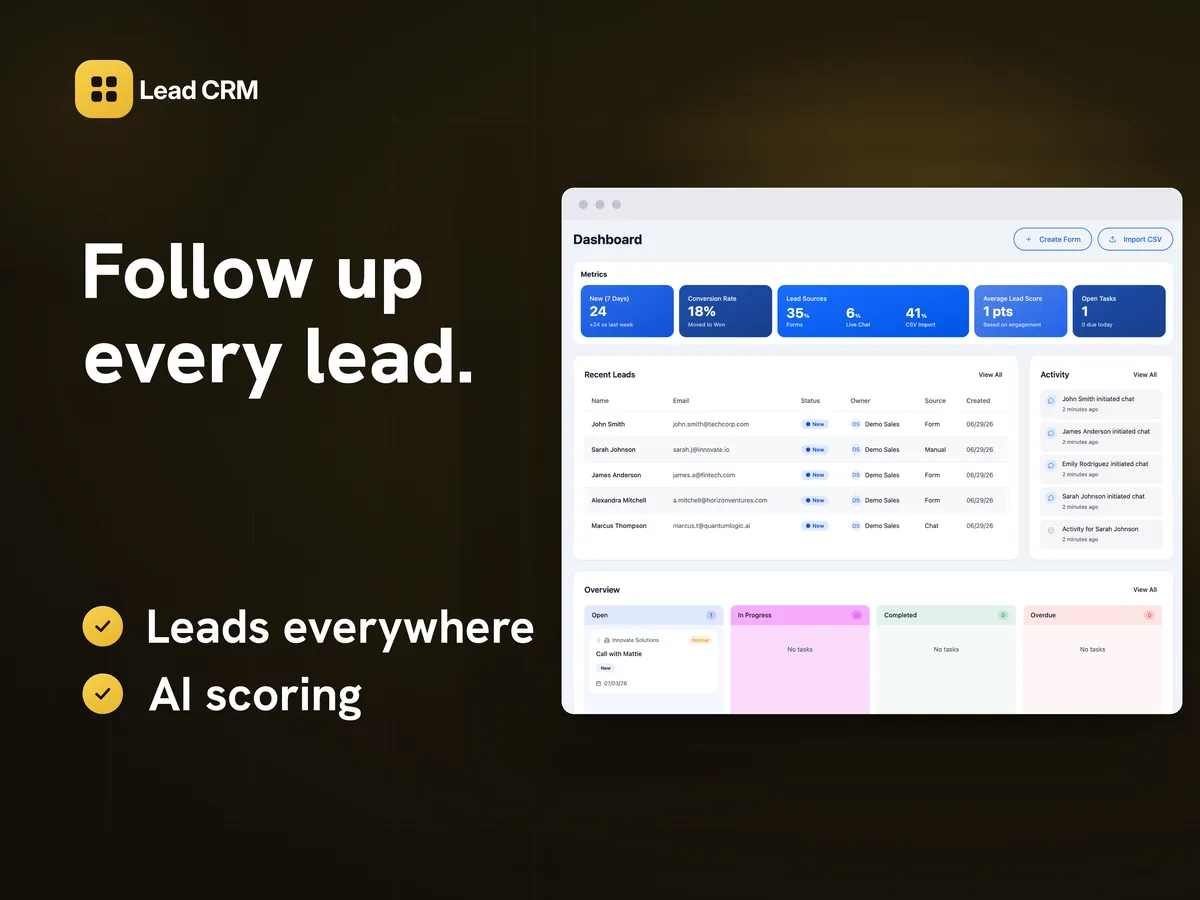
Lead CRM like HubSpot
Pulls leads in from forms, landing pages, chat, and CSV, scores them with AI, and routes them to your reps, while you oversee campaigns, chats, and reports as admin.
Save $321 in year one
HubSpot Marketing Hub $420 a year at 5 seats
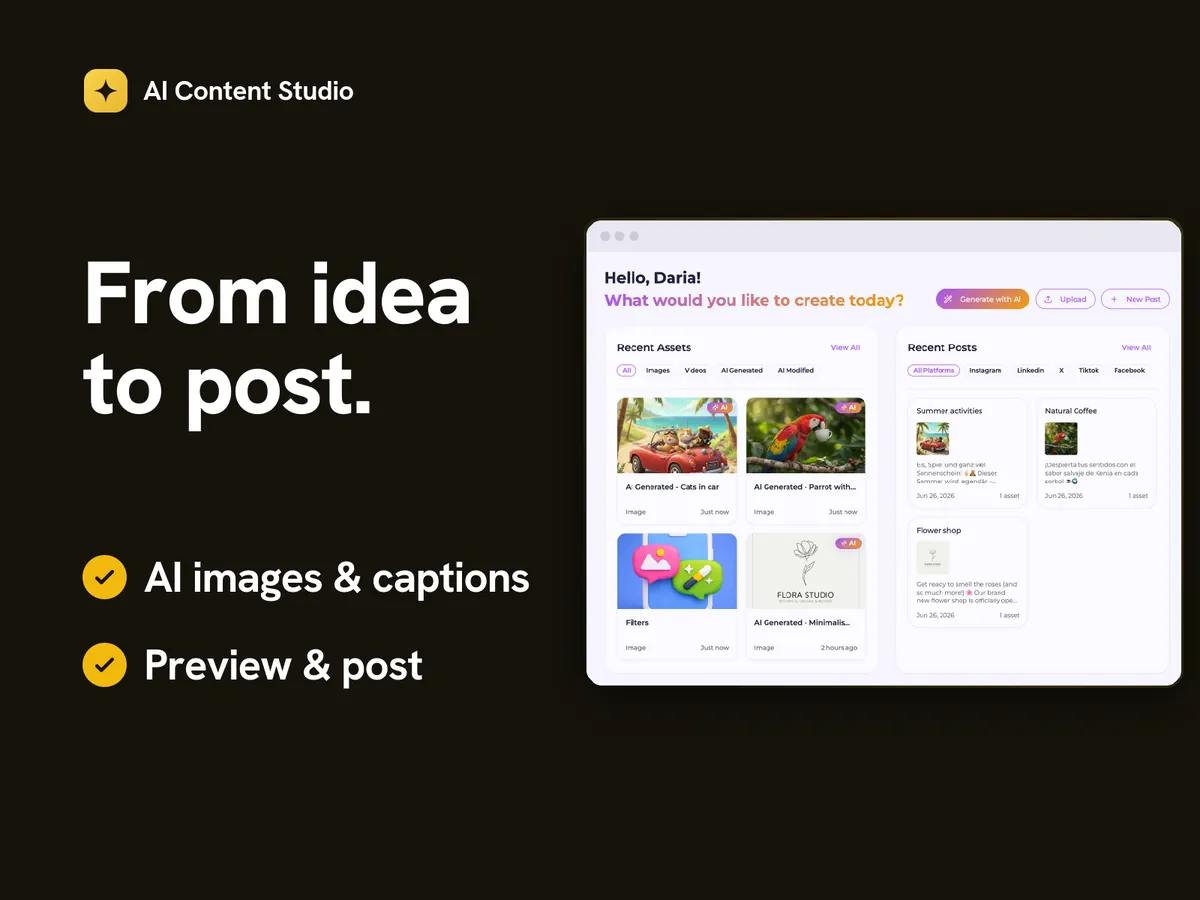
AI Content Studio like Buffer
Generate images, write the captions to match, and lay out posts for every network - a brand kit and asset library keep it all on-brand and in one place.
Save $481 in year one
Buffer $600 a year at 5 channels
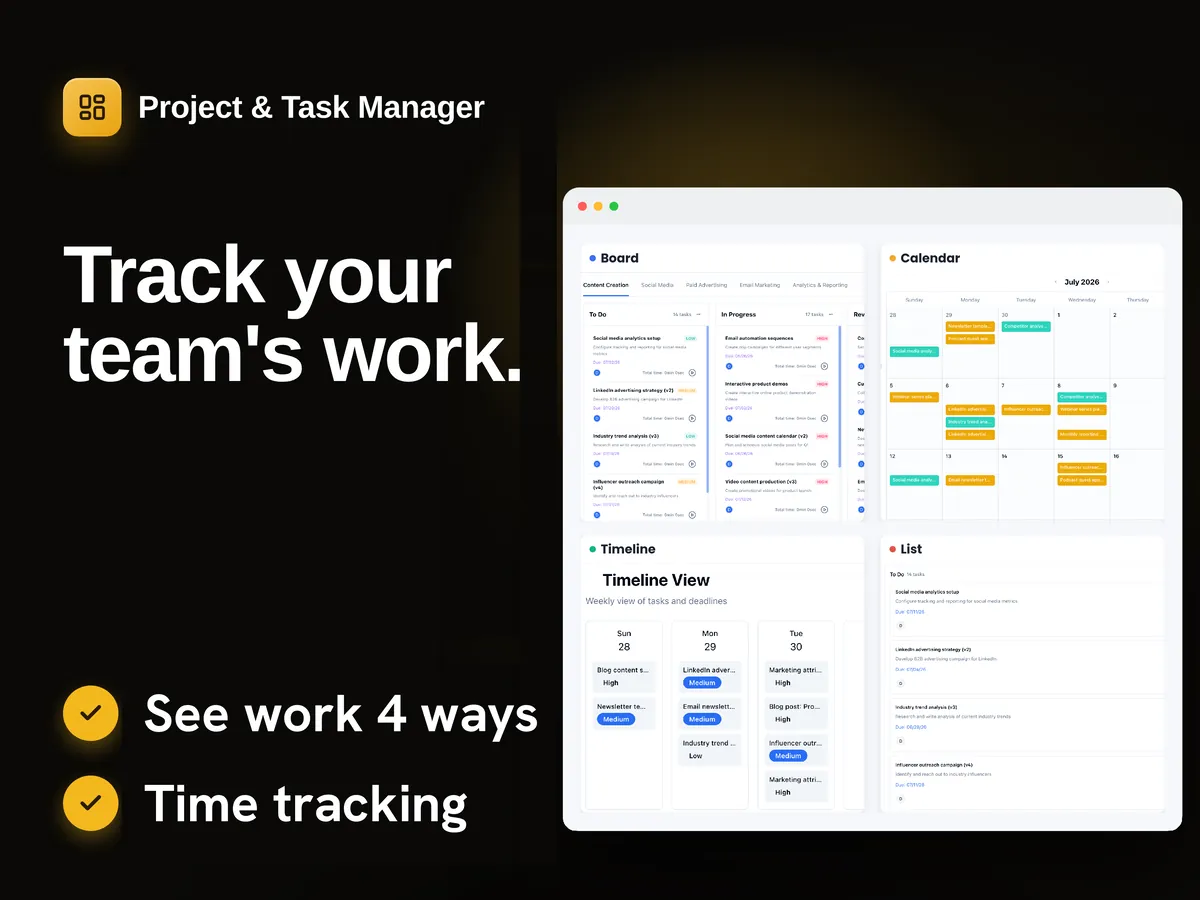
Task Manager like Asana
Your team runs projects as a board, list, calendar, or timeline, with comments, time tracking, and realtime updates, while analytics show what is moving and what has stalled.
Save $1,200 in year one
Asana $1,319 a year at 10 users
Savings are each vendor’s own published rate over a year, at the team size shown on the card, minus the one-time price. Before your own hosting, typically $0–25 a month, and your setup time. If a vendor’s free tier already covers you, renting is cheaper and you should keep renting.
Ready to make it yours?
Download the source or send it straight to your AI coding tool, then make it yours - you could be live this week.